
After passing by Customs, you need to provide proof of export so we can submit your claim to the store. How you do this depends on whether your receipt was digitally validated or manually stamped.
Digital validation (leaving from the Netherlands, only for Dutch store receipts)
If your receipt was digitally validated by Dutch Customs, you do not need to upload anything.
The digital proof of export is already registered in our system, and we will automatically start processing your claim.
Manual validation (leaving from any other EU country, and non-Dutch receipts leaving from NL)
If your receipt was manually stamped at Customs, you need to upload a photo of the stamped receipt in the app.
Already registered a receipt before Customs?
Your claim is shown in “Waiting for proof of export” status on the “Refunds” page. Select the claim and click the blue button “Upload receipt photos”.
You can upload one or more photos of your stamped receipt and/or tax-free form.
.jpg)
Registering a receipt after Customs?
Add a new receipt and click the blue “My receipt is stamped by Customs” button.
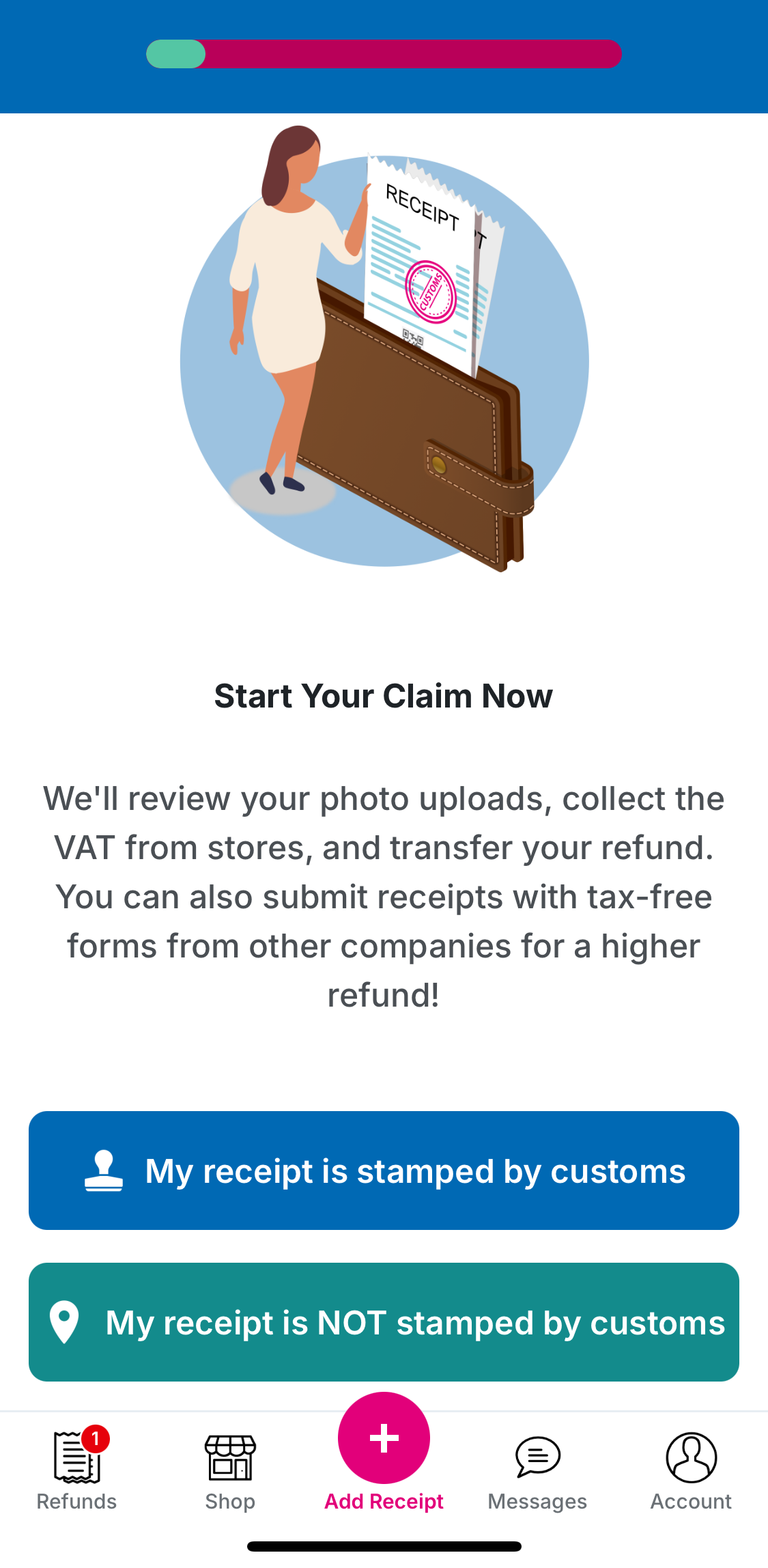
Then complete the following steps:
💡 Customs will either put a manual stamp on your purchase documents or provide a digital customs validation for eligible Dutch receipts.
💡 Please make sure your photos are of good quality and all details on your documents are clearly visible.
💡 You can upload more than one photo.